Is Your ChatGPT History on Google? How to Find and Delete Leaked Chats Now
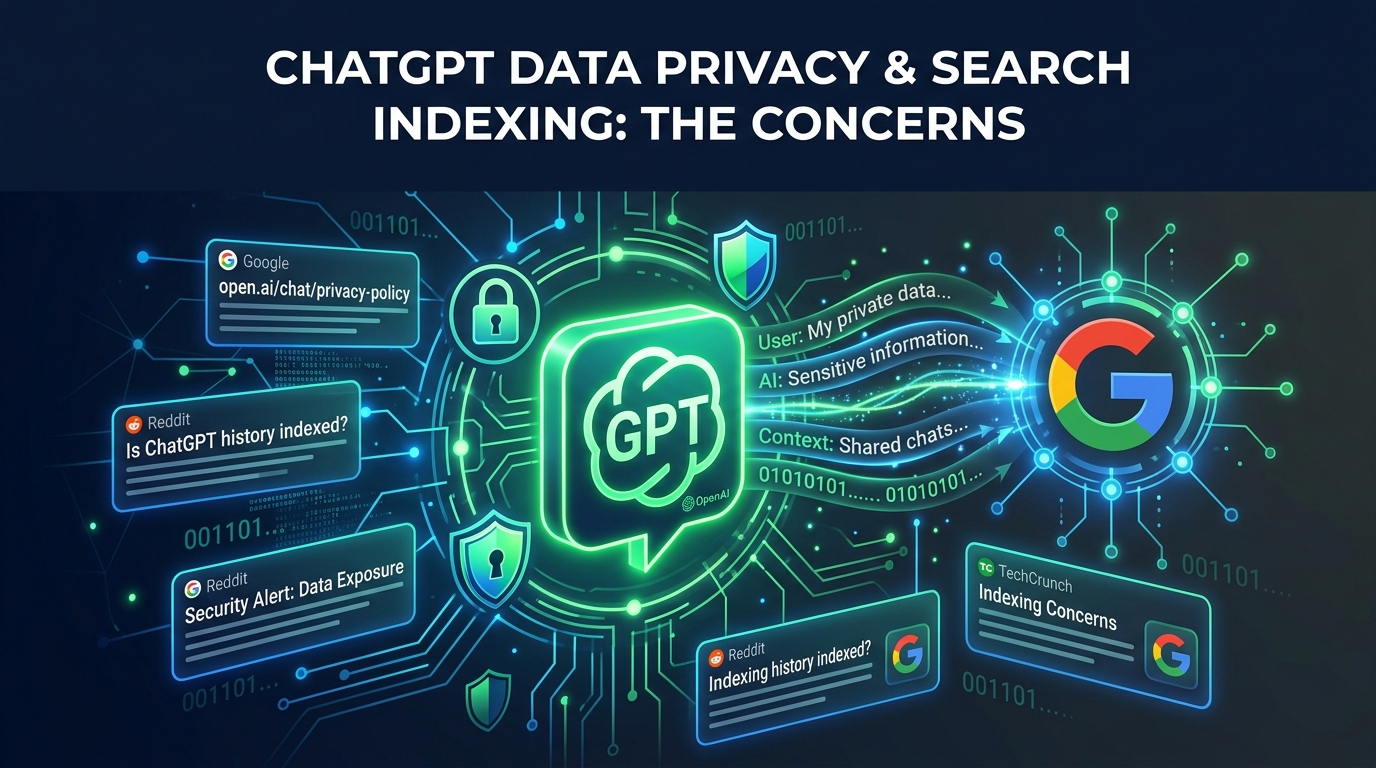
In the fast-moving AI landscape of 2026, privacy is the new gold. But a recent discovery has many users scrambling: private ChatGPT conversations are appearing in Google search results. If you’ve used ChatGPT to polish a resume, brainstorm a product launch, or vent about a sensitive health issue, your data might be more public than you think. But before you panic, let’s look at exactly what is happening and—more importantly—how you can fix it in under two minutes.
The “Leak” That Isn’t a Hack
First, the facts: OpenAI hasn’t been breached. Instead, the “leak” is caused by a feature we all use—Shared Links.
When you create a link to share a chat with a colleague or friend, that URL becomes a public doorway. If that link is ever posted on a public forum, a social media bio, or a shared Trello board, Google’s “crawlers” find it and index it. By early 2026, over 4,500 of these “private” conversations were found to be indexed and searchable by anyone with the right search query.
I Found My Own Data: A Personal Wake-Up Call
I’ll admit, I thought I was too tech-savvy for this to happen to me. But while researching this story, I did a deep dive into my own account settings.
I found a shared link from eight months ago—a transcript where I had asked ChatGPT to help me critique a sensitive contract. I had shared the link in a public Slack community that I thought was “private enough.” Because that community’s archives were indexed by Google, my brainstorm was technically sitting in a digital shop window.
The Lesson: We often treat AI like a private vault, but the moment we hit “Share,” we are handing out keys to a glass house. Deleting a chat from your sidebar doesn’t kill the public link; you have to revoke it manually.
The Threat: Why This Matters for You
The danger isn’t just about embarrassing typos. It’s about Data Persistence and PII (Personally Identifiable Information).
- Google’s Memory: Even if you delete the chat link now, Google may keep a “cached” version of that conversation in its search results for weeks.
- Corporate Risk: If an employee shares a chat containing proprietary code or client names, that intellectual property is now searchable by competitors.
The 3-Step Solution: Lock Down Your Privacy
1. Audit Your Shared Links (The 2-Minute Fix)
Don’t guess—check.
- Open ChatGPT and go to Settings > Data Controls.
- Click Manage next to “Shared Links.”
- Review the list and hit the trash icon on anything you don’t want the world to see.
2. Use “Temporary Chat” Mode
For anything involving finances, health, or legal work, toggle on Temporary Chat. These sessions aren’t used to train the model, they don’t appear in your history, and—crucially—they cannot be turned into public share links.
3. Use the “Site” Search Operator
Want to see if you’re already indexed? Go to Google and type: site:chatgpt.com/share "Your Name" Replace “Your Name” with your company name or specific project titles to see what’s floating in the ether.
Summary: Stay Smart, Stay Private
AI is a tool, not a diary. While OpenAI has improved its “Discoverable” settings to prevent accidental indexing in 2026, the final line of defense is you. Be intentional about what you share, and audit your links regularly.
